

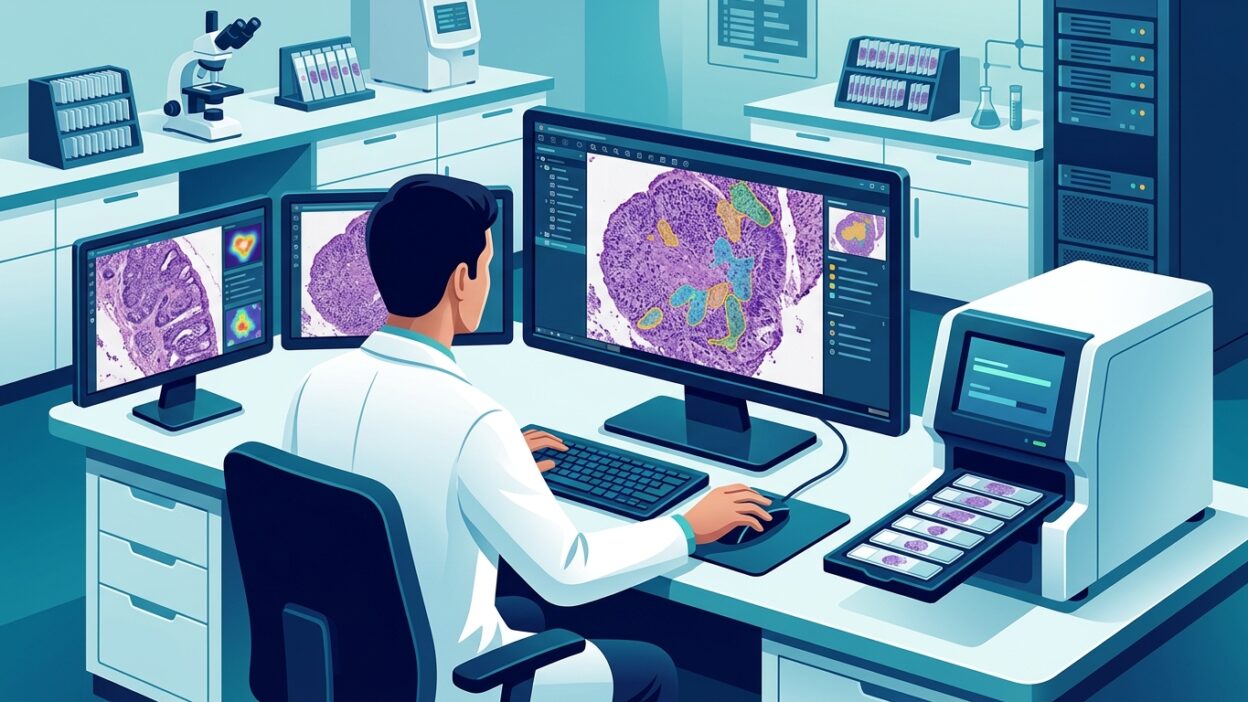
PathAI has announced AISight Dx v2.20, an update to its digital pathology image management system. AISight Dx has FDA 510(k) clearance for primary diagnosis in the United States and CE-IVD marking for primary diagnosis in the European Economic Area, the United Kingdom, and Switzerland. The news is not about a new algorithm or a broad promise to change practice. Its value sits elsewhere: the daily reading interface, the pathologist’s movement inside the slide viewer, and slide management when digital workload becomes large.
This type of update may look administrative or technical from the outside. In the laboratory, it is not a small detail. Every extra click, every layer that cannot be hidden quickly, and every rejected algorithm result that remains in front of the reader adds cognitive friction. As cases accumulate, that friction turns into slowness, then into resistance within the team.
What changed inside the slide viewer?
The first practical change in v2.20 is the addition of a right-click menu inside the Slide Viewer. From there, users can access tools such as comments, snapshots, full-screen mode, and other options without leaving the reading flow. This matters because the slide viewer is not only a display screen. It is a diagnostic workspace where viewing, measurement, annotation, return to specific regions, and comparison of layers or supporting results overlap.
The update also provides a single command to show or hide all markers, fields, and comments. This deserves attention from a diagnostic perspective. At certain moments, the pathologist wants to see only the tissue, without visual noise. At other moments, all comments and fields need to be brought back quickly. Moving between these two states should be fast, not a chain of separate commands.
The refreshed navigation bar gives the interface a newer look, but the real value is shorter access time to tools. A good digital pathology interface does not ask the physician to remember where a button disappeared. It places repeated tools near the natural movement of the eye and hand.
Reducing noise in the slide tray
The new release addresses a practical problem in the Slide Tray: rejected algorithm results no longer appear there. That is the right decision. A rejected result should not compete with active results for the reader’s attention, especially when the slide tray is crowded with several levels, stains, or fields of interest.
Thumbnail images for comments and fields now also reflect the same orientation shown in the slide viewer. This may look like a simple fix, but it reduces a moment of hesitation when returning to a specific region. When the thumbnail is oriented differently from the main view, the reader has to rematch the scene mentally. This type of distraction does not show up in product demos, but it does show up during a long workday.
The update to slide cards inside the tray aims to make them easier to read. Here too, adding more data is not enough. The pathologist needs to see the necessary information quickly and know where to go next without the interface becoming another layer of cognitive load.
Archiving is not only a technical matter
One of the most important parts of the update is allowing resident users to retrieve a single archived slide without retrieving the full accession. This operational detail has direct impact in laboratories that have started producing large numbers of whole slide images every day. Returning to one slide for review, a multidisciplinary meeting, an add-on request, or correlation with another stain should not open a wider administrative burden than needed.
As reliance on archiving increases, storage policies become part of workflow safety. The goal is not only to save space. Slides need to remain retrievable according to the logic of the laboratory, not only the logic imposed by the system. If retrieval of an individual slide is faster and more precise, response time improves and the team’s trust in the platform increases.
Settings closer to laboratory reality
AISight Dx v2.20 adds configuration options at both the organization and user levels. At the organization level, empty accessions can be deleted automatically, and existing storage transfer rules can be applied to unassigned slides within the laboratory. These are not cosmetic features. In a production environment, unassigned slides and empty files can quickly become disorder if they are not handled early.
At the user level, the slide navigator can be minimized so it takes up less space, and the Slide Tray can be organized by Specimen/Block or by Slide ID from user preferences. These are simple options, but they acknowledge a fact familiar to anyone who has worked on digital cases: reading style differs from one physician to another and from one case type to another. Some reads are centered on the block, some on the slide number, and some need screen space more than anything else.
Reliability fixes that affect trust
The release includes specific fixes for AISight Live session behavior, display of snapshot comments on retina screens, consistent Escape key behavior across the slide viewer, handling of specimen merges, and display of the Add to Folder window. These fixes may look scattered, but they point to one issue: user trust that the platform will behave the same way every time.
In digital diagnosis, trust does not come from marketing copy. It comes from repeated daily use without surprises. If the physician presses Escape and expects a certain behavior, that behavior should occur. If an image is captured with a comment, the comment should appear as it is. If a specimen is merged or a slide is added to a folder, the process should not become a small interruption that breaks the chain of thought.
Why does this update matter to pathologists?
The broader lesson from this release is that digital pathology is entering a stage where the difference between platforms is less tied to slogans and more tied to operational details. Many systems can display whole slide images. The harder questions are different: does the system make reading faster and calmer? Does it reduce clicks? Does it preserve case context? Does it manage archiving in a way that fits real work?
From the pathologist’s perspective, these updates do not remove the need to assess image quality, LIS integration, permission management, data safety, and system performance under workload pressure. But they put the interface where it belongs: part of quality, not an outer wrapper around the product.
If a laboratory is testing a digital platform or reviewing an existing contract, it is useful to ask very small questions: how many clicks does the physician need to hide comments? What happens to a rejected algorithm result? How is a single slide retrieved from the archive? Can each user arrange the slide tray in the way that suits their work? These questions reveal usability more clearly than broad presentations.
AISight Dx v2.20 is a reminder that digital pathology maturity does not appear only in the algorithm. It appears in the system’s ability to respect the rhythm of diagnostic work, reduce what the physician should not have to think about, and leave attention for the tissue and the case.